
Is This JPG Good Enough for Production?
A customer sends a JPG and asks for 100 embroidered caps. Your shop asks for a vector file. The customer replies, "Isn't this one fine?" Now you're explaining file types instead of starting the job.
It's one of the most common first conversations in decoration, and it starts with a simple question: vector vs raster artwork. Here's a practical way to answer it by method, so you know which file to ask for and when a raster file is enough.
Raster vs Vector in 30 Seconds
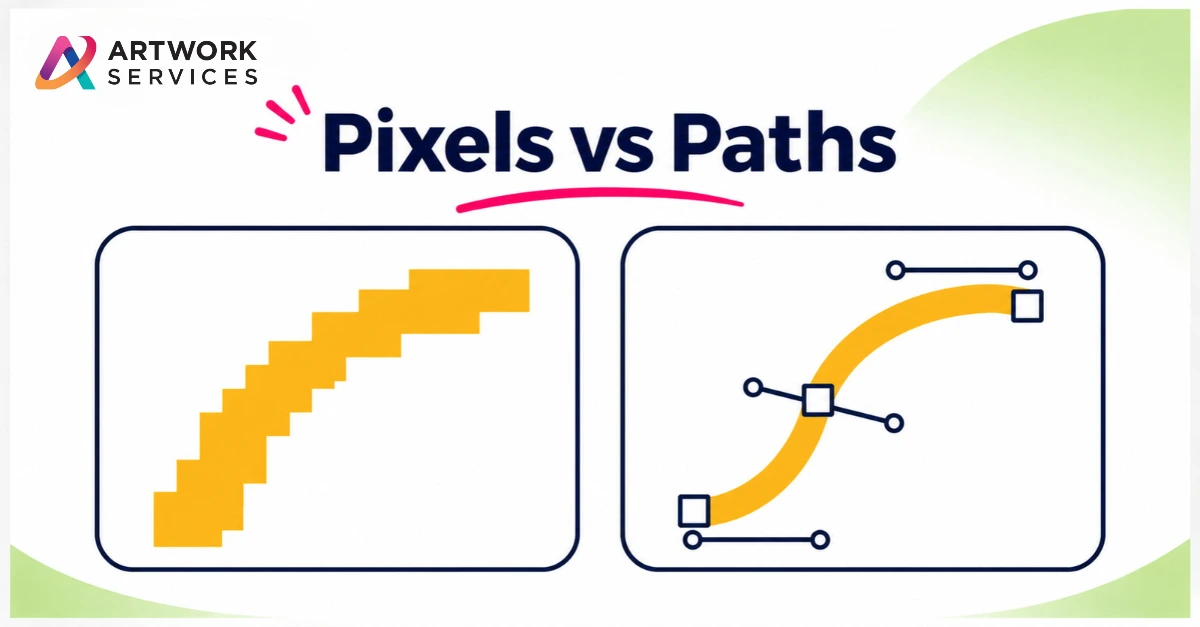
Raster files (JPG, PNG, most photos) are made of pixels. Enlarge them and the edges turn soft.
Vector files are made of shapes and paths. They stay sharp at any size, and each shape can be edited, separated or cut on its own.
Where Vector Is the Safe Choice
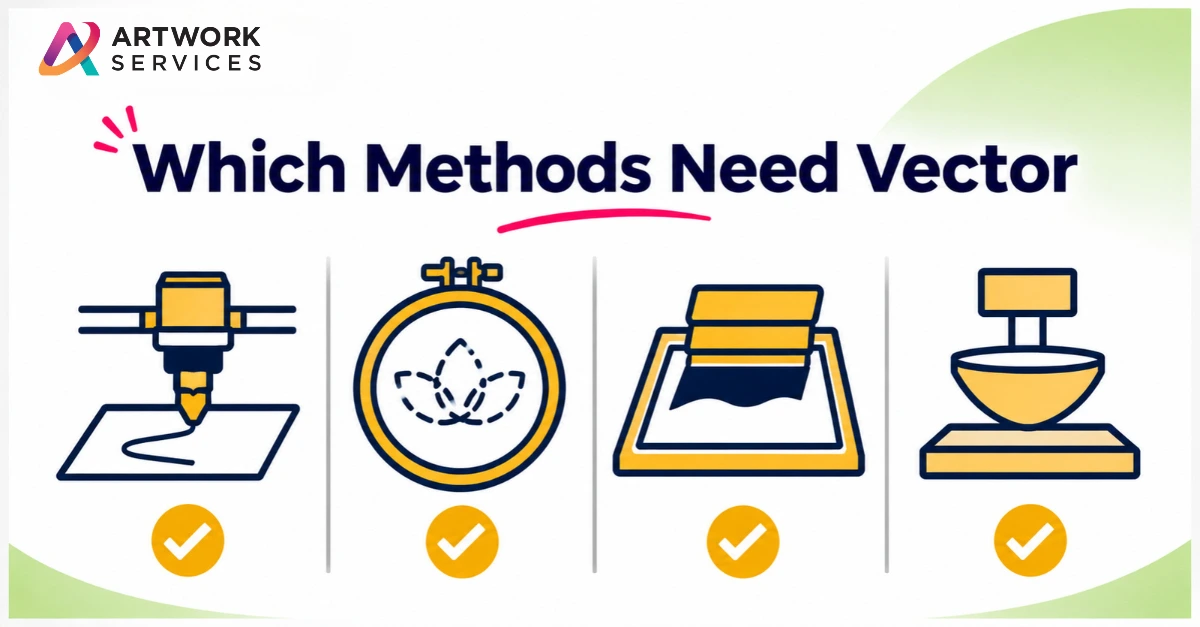
Some methods need clean shapes, not pixels:
- Cutting and engraving: a blade or beam follows paths
- Embroidery: stitch files are built from clean artwork, so a blurry logo makes digitizing harder
- Screen printing: each color is separated into its own screen
- Pad printing and pressed marks: small, simple shapes need crisp edges
Where a Raster File Can Work
Full-color, photographic or detailed designs for DTG, DTF, sublimation or digital printing can start from a raster file, if it has enough resolution for the final size. Always check at the size it will print. A small web image won't hold up on a large area.
A Quick Test
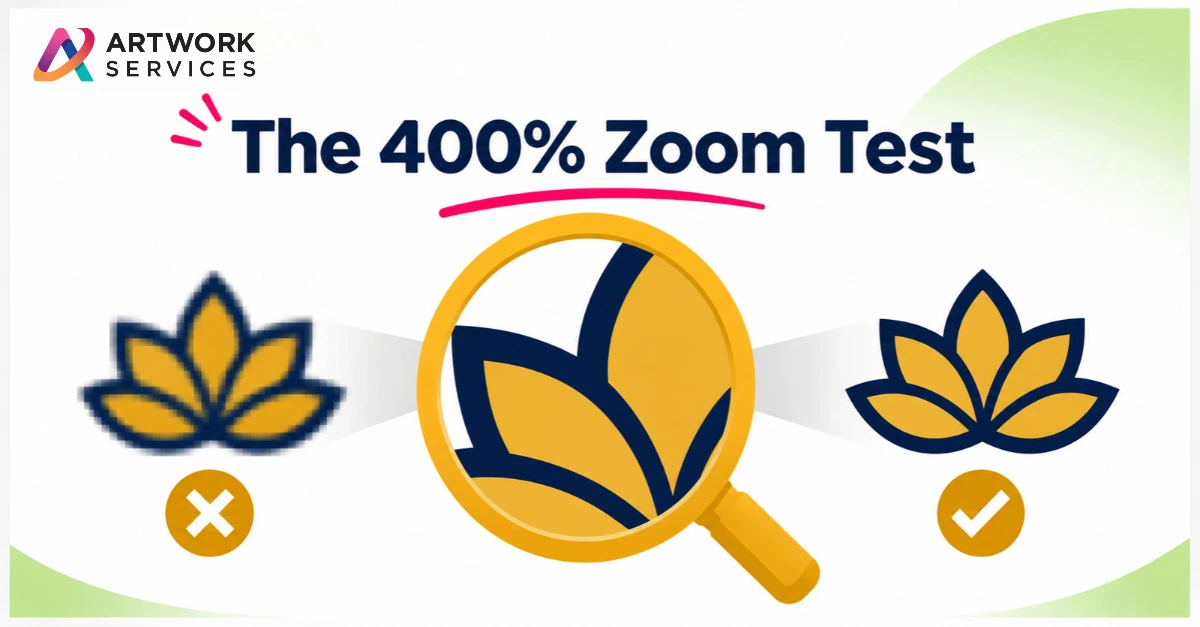
- Zoom in to 400%. Do the edges stay sharp?
- Is it a JPG or PNG? That's raster.
- Was it saved from a website or a screenshot? It's probably too small.
- Ask your print partner what the method needs.
Where Artwork Services Fits
At Artwork Services, a raster-only logo is a common starting point. Our Vector Artwork service converts blurry, low-resolution graphics into sharp, scalable vector files, redrawn by hand and delivered in AI, EPS, SVG and PDF formats. We accept JPG, PNG, PDF, or even a photo of a printed design. Once it's clean, our Pre-Press team prepares press-ready files, and for stitched work, Embroidery Digitizing creates the stitch file.
You can see examples in our portfolio.
If you have a JPG or a screenshot and aren't sure it will work, send your artwork to Artwork Services. We'll rebuild it into a clean file and get it ready for production.