Why “Send the Vector File” Delays Jobs
A customer asks for "the vector file". You send an AI file. Their printer can't open it. You send an EPS, and the signage software wants an SVG. By the third email, the job is a day behind and nobody is sure which file is the right one.
Vector file formats look interchangeable, but each one has a job. Here's a plain guide to AI, EPS, SVG and PDF, and when to ask for or send each.
AI: The Working File
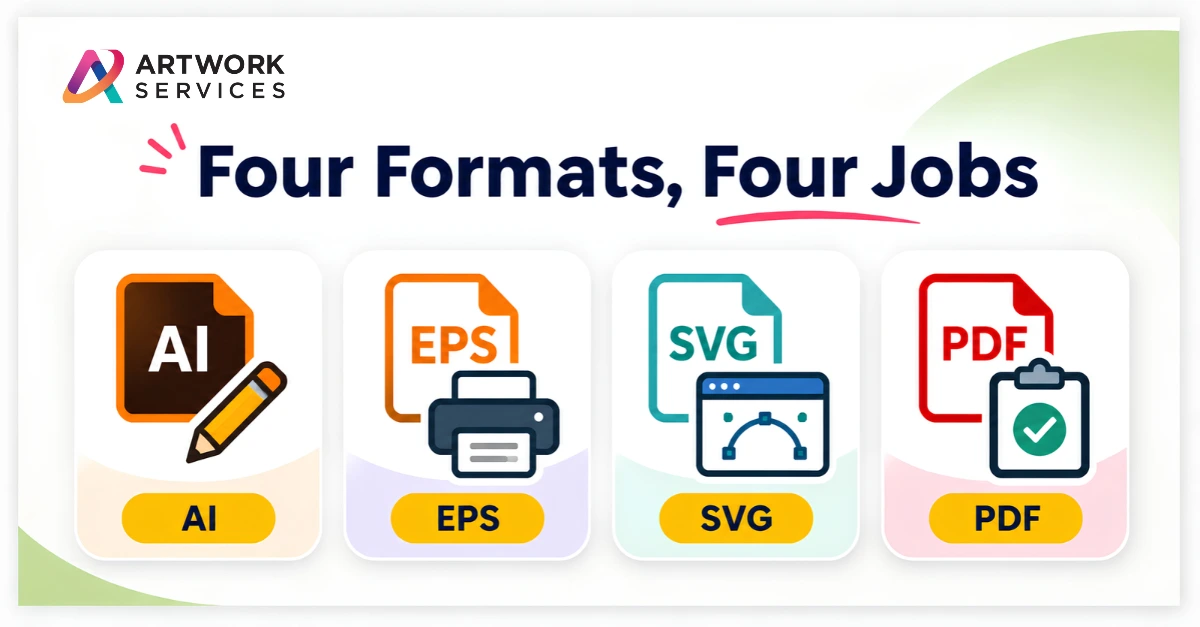
AI is Adobe Illustrator's native format. It keeps layers, paths and color swatches editable, so it's the file you want for changes later. The catch is that it needs compatible software, so it's not always the best file to send to someone else.
Use it for: the master file you keep and edit.
EPS: The Widely Accepted Exchange File
EPS is an older vector format that a lot of print and production software still accepts. It's a common choice when a shop or supplier asks for "a vector".
Use it for: sending artwork to printers, suppliers and software that don't open AI files.
SVG: The Web and Cutter-Friendly File
SVG is an open, web-based vector format. It opens in browsers and in many design and cutting tools, and it stays sharp at any size on screen.
Use it for: websites, digital use and equipment that asks for SVG.
PDF: The Safe File to Share
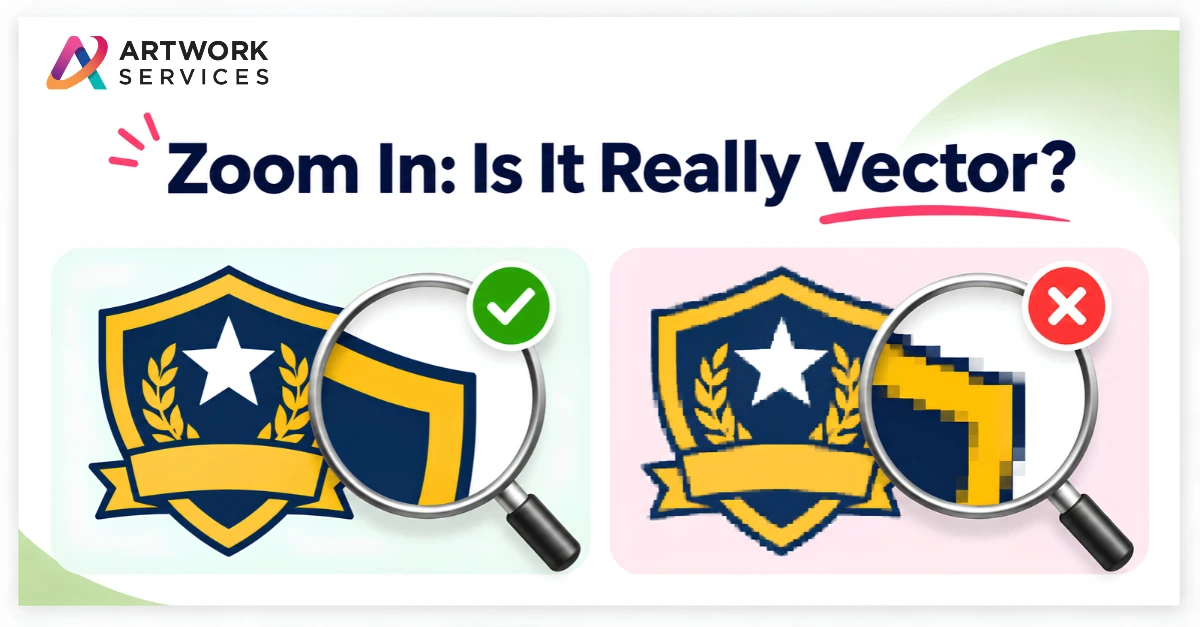
PDF opens almost anywhere, which makes it good for proofs and approvals. A PDF can hold vector artwork, but it can also hold a flattened image, so check that the shapes stay sharp when you zoom in.
Use it for: proofs, approvals and print-ready files, once you've confirmed it's true vector.
Common Mistakes
- Sending a JPG or PNG saved with a ".ai" name
- Leaving live fonts that go missing on another computer
- Sending a PDF that is really a flattened image
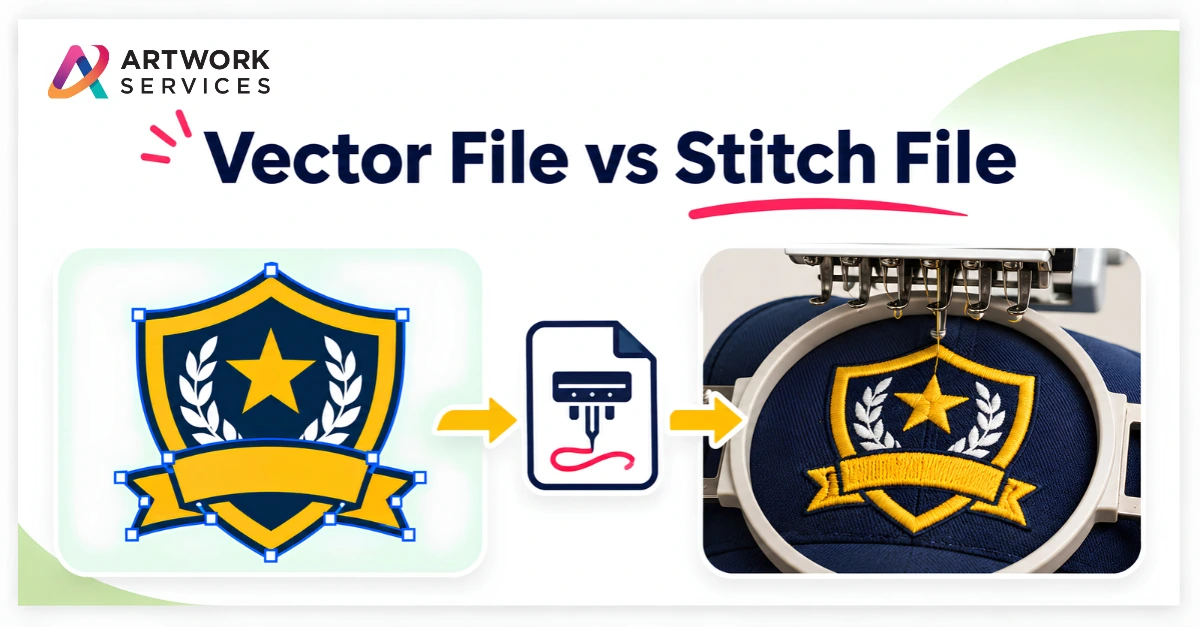
- Assuming a stitch file and a vector file are the same thing. Embroidery needs its own file, such as DST
Where Artwork Services Fits
At Artwork Services, our Vector Artwork service redraws logos by hand and delivers them in AI, EPS, SVG and PDF formats, so you have the right file for the job you're running. If the artwork needs preparing for a specific method, our Pre-Press team prepares press-ready files. For stitched work, Embroidery Digitizing creates the stitch file.
You can see examples in our portfolio.
Which vector format do your suppliers or customers ask for most often? Tell us in the comments.
If you're stuck with a logo in the wrong format, send your artwork to Artwork Services. We'll rebuild it and return the formats your job needs.